


AI Fraud in 2026: The Document Clues That Still Give It Away
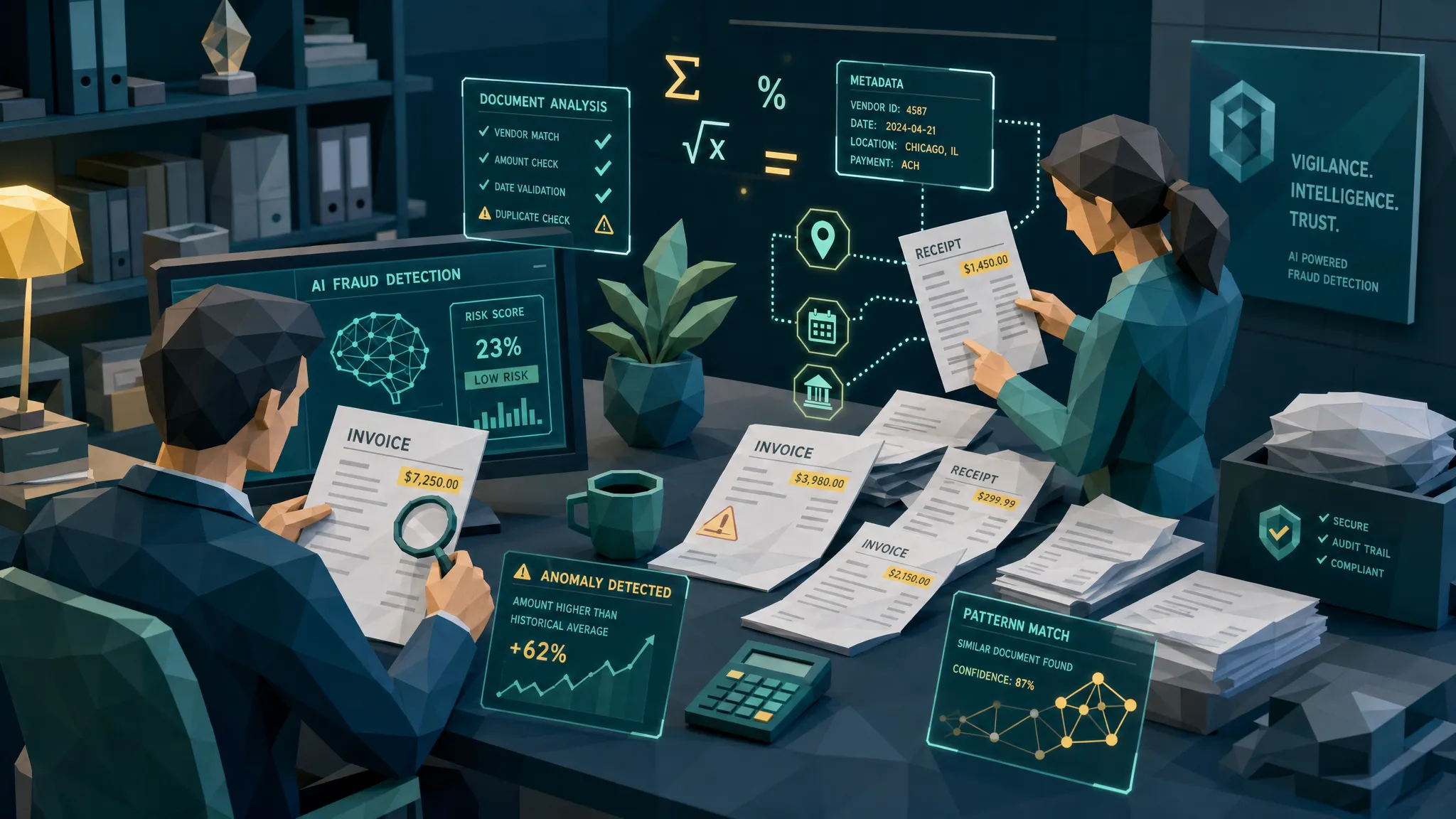

I have spent enough time in fraud reviews to know this uncomfortable truth: the best fake documents rarely look fake at first glance. They look boring. Polite. Properly formatted. Sometimes they even have a tasteful logo in the corner, which is how you know the fraudster had a productive afternoon.
By 2026, AI fraud has made that problem worse. Fake invoices, receipts, repair estimates, medical bills, hotel folios, and claim photos can now be produced quickly and cheaply. The days of obvious Photoshop disasters are not gone, but they are less useful as a defense. If your team is still waiting for a receipt where the font screams “I was edited in a panic,” you may be waiting a long time.
Here is my hot take: AI fraud still gives itself away, but usually not where people are looking. The clue is often not in the headline total or the vendor name. It is in the boring parts, the metadata, the math, the payment trail, the document history, the invoice sequence, the image compression, and the timing of the submission.
That is good news for claims, AP, expense, and fraud teams. We do not need magic. We need better document discipline.
Why AI fraud is getting harder to eyeball
Fraud has always followed convenience. When scanners became common, fraudsters scanned and edited. When mobile expense apps arrived, they photographed and resubmitted. Now that generative tools can create plausible-looking paperwork in minutes, they are doing exactly what you would expect: producing more paperwork.
The financial stakes are not theoretical. The FBI notes that non-health insurance fraud costs more than $40 billion per year, excluding health insurance, and adds hundreds of dollars to the average family’s premiums. In payments, the Association for Financial Professionals has repeatedly found that most organizations are targeted by payment fraud. And on the employee side, the ACFE Report to the Nations has long estimated that organizations lose about 5% of revenue to occupational fraud each year.
AI did not invent fraud. It lowered the effort required to commit it.
A few years ago, I reviewed a contractor invoice tied to a property claim. The line items looked sensible. The logo matched. The amount was not outrageous, which is usually the first trick. Nobody tries to steal the moon on page one. But the payment details had changed from prior jobs, the PDF had been edited after the supposed issue date, and the tax calculation was off by a few cents in a way that made no commercial sense. That invoice did not fall apart visually. It fell apart administratively.
That is the pattern I see more often now. AI-generated and AI-assisted documents pass the “quick glance” test, then fail the “does this document belong in the real world?” test.
The first clue: the document is too neat where real documents are messy
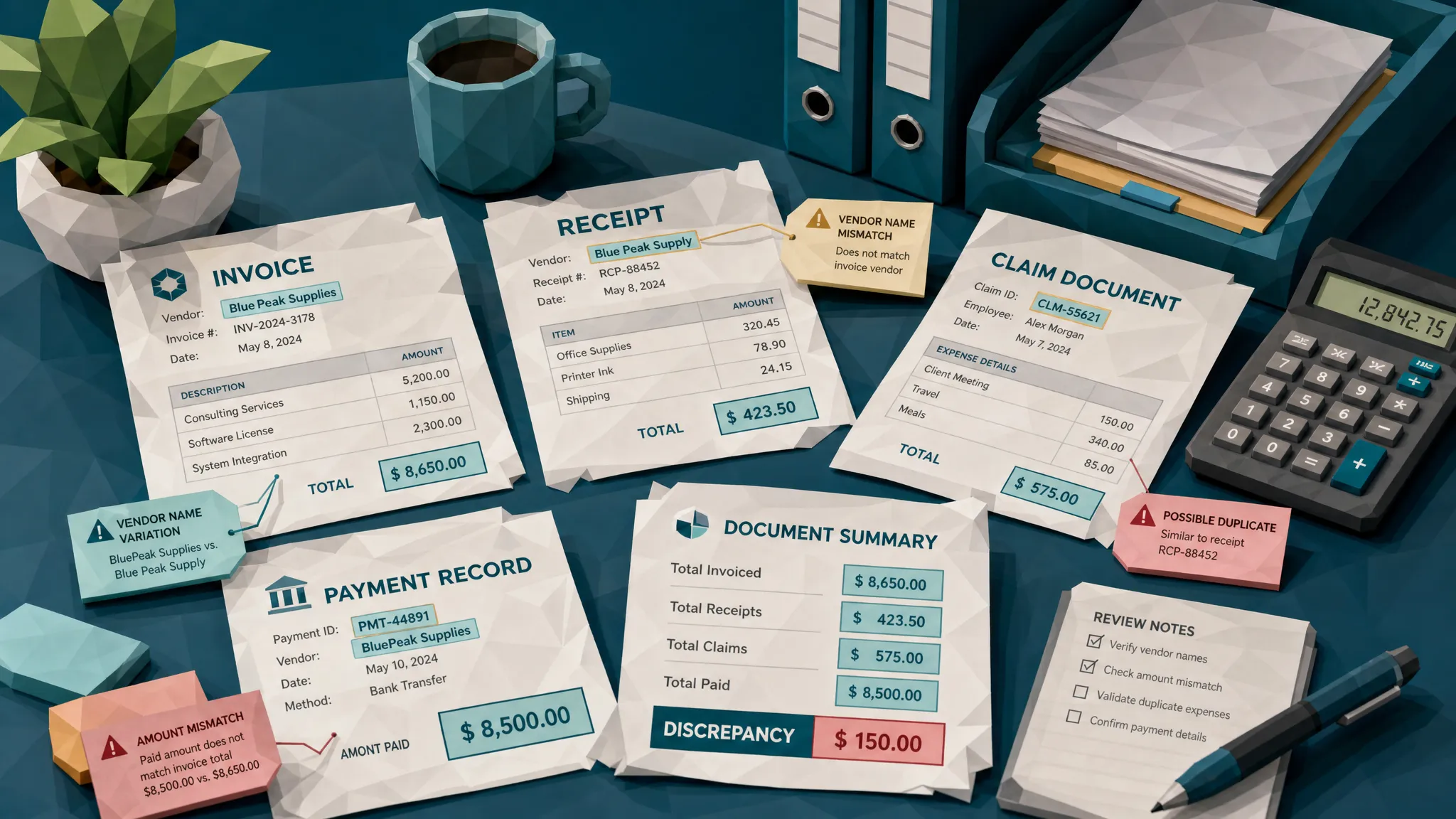
Real invoices and receipts have tiny imperfections. Thermal receipt paper fades unevenly. Store names may print slightly darker than item lines. Hotel folios have odd spacing because property management systems are ancient beasts held together by habit and hope. Repair invoices from small contractors often have inconsistent capitalization, reused templates, and formatting quirks.
AI-generated documents can look clean in a way that feels strangely sterile. Everything is aligned a little too nicely. Logos are crisp but not quite from the same image world as the rest of the page. Text may be readable, but the spacing around fields looks mathematically tidy rather than operationally normal.
In claims and expense reviews, I pay attention when a supposedly photographed receipt looks like it was born as a perfect digital file. Real phone photos usually carry some evidence of the room: slight perspective distortion, shadows, glare, creases, texture, or background noise. A “photo” with perfect flatness, uniform lighting, and no environmental clues deserves a second look.
This does not prove fraud. A careful employee can submit a clean scan. A vendor can generate beautiful PDFs. But when the document is too polished and the surrounding facts are weak, the neatness becomes part of the case.
The second clue: fonts and numbers do not share the same universe
One of the oldest document fraud clues still works in 2026: altered numbers often behave differently from the rest of the document.
Look at totals, tax, dates, invoice numbers, bank details, and line-item amounts. Fraudsters tend to edit the fields that pay them. Even AI-assisted editing tools can leave subtle differences in weight, kerning, baseline alignment, anti-aliasing, or blur. A changed “3” may sit a fraction higher than the numbers next to it. A pasted bank account may be sharper than the surrounding text. A date may have slightly different spacing from other dates on the same page.
I once saw a meal receipt where the total looked fine until you compared the decimal point to the line above it. The cents were blurred, but the dollar amount was crisp. That is the kind of clue no busy manager wants to care about until they realize the same employee has submitted six “slightly crisp” receipts in a quarter.
AI fraud tools are getting better at visual consistency, but they still struggle with the exact quirks of real source systems. A receipt from a national retailer usually follows a consistent structure. A medical bill has code patterns and provider identifiers. A contractor invoice has business habits. When one field looks like it was produced by a different process than the rest of the document, your fraud antenna should twitch.
The third clue: metadata is missing, contradictory, or oddly perfect
Metadata is the document’s backstage pass. It can reveal creation timestamps, modification history, software used, device information, file conversions, and sometimes location data. Fraudsters know this, so many strip metadata before submitting documents.
Here is the catch: missing metadata is not always suspicious. Many apps strip it automatically. But in context, absence can be loud.
If a claimant says they photographed a receipt at the repair shop yesterday, but the file has no camera metadata, was created by a PDF editor, and was modified minutes before upload, that is worth review. If an employee submits a hotel folio as an image, but the file history suggests it was exported from editing software, also worth review. If an invoice date predates the file creation date by six months, that may be innocent, but I would want an explanation.
The best use of metadata is not to play “gotcha.” It is to build a timeline. When was the file created? Was it edited? Did it pass through software that makes sense for the document type? Does the file history support the claim story?
Fraud teams sometimes make the mistake of treating metadata like a lie detector. It is not. It is more like CCTV in a badly lit hallway. You may not see everything, but you often see enough to know which door to check next.
The fourth clue: the math is almost right
Fraudulent documents rarely fail because the math is wildly wrong. Wildly wrong gets caught. The danger is math that is close enough for tired humans and simple OCR rules.
In invoice fraud, I look for subtotals that do not reconcile cleanly, tax amounts that do not match the jurisdiction or category, discounts applied inconsistently, quantities that do not support the total, and rounding patterns that are too convenient. In expense fraud, tips, taxes, currency conversions, and split receipts are common hiding places.
AI-generated receipts can produce plausible arithmetic, but plausible is not the same as correct. A restaurant receipt might show a tip that calculates from the post-tax total when the merchant usually prints tip suggestions from the pre-tax amount. A repair invoice might apply sales tax to labor in a jurisdiction where labor is not taxed, or fail to apply it where it should. A medical bill might have a patient responsibility amount that does not align with the attached explanation.
This is why I always laugh a little when people say, “The total matched the receipt.” Of course it did. The total is the part the fraudster cared about. The question is whether the supporting numbers behave like they came from a real business process.
The fifth clue: payment details tell a different story
If I could give every fraud team one habit for 2026, it would be this: stop inspecting documents in isolation.
A fake invoice can look convincing. A fake invoice tied to a suspicious payment change is much less convincing. A fake receipt can pass a visual check. A fake receipt that has no matching card transaction, appears across multiple employees, or routes reimbursement to an unusual account starts to wobble.
Payment context matters because AI fraud is often focused on where the money goes. New bank details, changed remit-to instructions, unfamiliar payees, mismatched vendor addresses, or repeated use of the same payment account across unrelated claims can expose a document that looks visually clean.
This is true across industries. Insurance teams should compare claim documents against payee history and claim behavior. AP teams should compare invoice payment details against vendor master records and prior transactions. Expense teams should compare receipts against card feeds, travel dates, employee patterns, and policy context.
Document-heavy sectors outside insurance and AP are learning the same lesson. Mortgage and lending workflows, for example, increasingly rely on secure uploads, e-signatures, and rapid document exchange. Modern providers offering smart mortgage solutions are a reminder that better customer experience depends on faster paperwork, and faster paperwork needs stronger document validation behind the scenes.
The document is one witness. The payment trail is another. I prefer interviewing both.
The sixth clue: duplicates and templates leave fingerprints
Fraudsters love reuse. It saves time. That is also why it catches them.
A receipt submitted by one employee this month may reappear with a different total next month. A contractor invoice may show up across multiple claims with the same layout, same file artifacts, and slightly changed line items. An AI-generated template may be reused across different vendors with suspiciously similar spacing, punctuation, or logo placement.
Traditional duplicate checks often miss this because they look for exact matches. Modern fraud rarely gives you exact matches. It gives you cousins. The same receipt photographed at a different angle. The same invoice with a changed date. The same vendor template with a different bank account. The same fake restaurant format used by three employees who apparently all had the same suspiciously symmetrical lunch.
Near-duplicate detection is where a lot of fraud programs can gain ground quickly. I have seen teams catch more from comparing documents against their own history than from any single red flag on the page. Fraudsters may be creative, but they are also lazy. Lazy is good for us.
The seventh clue: physical evidence forgets about physics
AI fraud is not only about PDFs. Many submitted documents are photos of paper receipts, invoices, estimates, or bills. That means the physical world should show up.
A photographed receipt should have believable lighting. Shadows should fall consistently. Text should bend slightly if the paper bends. Background surfaces should make sense. If there is a hand holding the document, the scale should be reasonable. If the paper is creased, the printed text should distort with the crease.
Some fake documents are printed, altered by hand, then photographed. Others are digitally created and made to look like photos. Both can leave clues. Edges may be too sharp for the claimed photo quality. The receipt may have no texture. A pasted total may not follow the paper’s perspective. A shadow may cross the page but not affect the text.
I do not recommend asking reviewers to become lighting physicists. That way lies madness and several very long Slack threads. But automated forensic screening can flag these inconsistencies so humans spend time on the few cases that deserve attention.
The eighth clue: the timing is too convenient
Fraud often arrives at helpful moments for the fraudster and terrible moments for the reviewer.
Month-end AP runs. Friday afternoon claim payouts. Expense submission deadlines. System migrations. New vendor onboarding. Catastrophe events where claims volume spikes. These are the moments when routine controls get tired.
AI fraud fits neatly into these pressure points because it can generate supporting paperwork quickly. A claimant can produce a missing receipt. An employee can “find” a hotel folio. A vendor can send a revised invoice with updated bank details. The speed is the warning sign.
The BBC reported on Admiral data showing a sharp rise in fraudulent claims in 2025, including concerns around AI-generated evidence. Whether your organization is an insurer, a finance team, or an expense operation, the operational lesson is the same: fraud adapts to your busiest moments.
A document submitted under urgency should not be rejected automatically. Urgency happens. Pipes burst, flights cancel, suppliers chase payment. But urgency plus new payment details plus stripped metadata plus a near-duplicate document is not urgency. It is a queue for review.
What teams should change in 2026
The old review model asks humans to stare harder. I do not think that is a strategy. Most claims adjusters, AP analysts, and expense reviewers are already overloaded. Telling them to “watch for AI fraud” without giving them better signals is like telling airport security to identify suspicious luggage by vibes.
The better model is evidence-led screening before money moves. Preserve the original document. Check the pixels. Read the metadata. Recalculate the math. Compare against prior documents. Connect the result to payment details, vendor history, claim context, and employee behavior. Then route only the risky cases to humans with clear reasons.
That last part matters. A fraud alert that says “suspicious” is annoying. A fraud alert that says “bank details changed, PDF edited after issue date, subtotal mismatch, near-duplicate found from prior claim” is useful. Investigators need evidence, not spooky scores.
At Docklands AI, this is the direction we believe document fraud detection has to take. The platform is built to detect AI-generated documents, Photoshop and tampering signals, metadata anomalies, mathematical irregularities, physical manipulation, and suspicious payment context across invoices and receipts. For insurers, AP teams, and expense managers, the goal is simple: catch manipulated documents before they become paid losses.
Frequently Asked Questions
What is AI fraud in invoices and receipts? AI fraud in invoices and receipts usually means using AI tools to create, alter, or polish documents that support a false claim, payment request, or reimbursement. The document may be fully synthetic, partially edited, or based on a real receipt with changed details.
Can humans still spot AI-generated documents manually? Sometimes, but manual review is unreliable at scale. The strongest clues are often subtle or hidden in metadata, math, duplicates, and payment context. Human reviewers are most effective when automated screening surfaces specific evidence for them to assess.
What document clues are most useful in 2026? The most useful clues include inconsistent fonts or pasted fields, missing or contradictory metadata, totals that do not reconcile, unusual payment changes, near-duplicate documents, unrealistic photo physics, and suspicious submission timing.
Does missing metadata always mean fraud? No. Many legitimate tools remove metadata. Missing metadata becomes more meaningful when it conflicts with the claim story or appears alongside other risk signals, such as edited totals, changed bank details, or duplicate document patterns.
Should every suspicious document be escalated to SIU or internal audit? No. Escalation should depend on evidence strength and financial risk. A light anomaly may only need clarification. Multiple high-signal clues, especially involving payment changes or repeated patterns, should be routed for deeper review.
The bottom line
AI fraud is getting better, but documents still have habits. Real documents come from systems, people, devices, payment flows, and messy business processes. Fake documents often imitate the page and forget the life around it.
If your team is reviewing invoices, receipts, claims, or expenses in 2026, do not rely on the naked eye. Look for the story the document tells when its pixels, metadata, math, duplicates, and payment context are checked together.
If you want to see how Docklands AI helps teams detect manipulated, photoshopped, and AI-generated invoices and receipts before payment, visit Docklands AI and explore how document forensics can fit into your claims, AP, or expense workflow.
Request a Demo Today!
Book your demo below.


