


Billing Fraud Red Flags Hidden in Invoices and Receipts


Billing fraud rarely announces itself with an obviously fake logo or a misspelled vendor name. In 2026, most suspicious invoices and receipts look “good enough” to pass a busy reviewer, especially when fraudsters reuse real templates, copy legitimate line items, and rely on high-volume workflows to hide in plain sight.
For accounts payable (AP), claims, and expense teams, the hardest cases are the ones where the extracted fields look reasonable, but the underlying document carries subtle integrity problems. This guide breaks down billing fraud red flags hidden inside invoices and receipts, with a focus on what reviewers and fraud teams can actually use during triage.
Why billing fraud hides inside “normal-looking” documents
Modern billing fraud often succeeds because review processes are optimized for speed, not document authenticity. OCR capture, three-way matching, and policy checks help, but they typically validate what the document says, not whether the document was altered.
Fraudsters take advantage of this gap with tactics like:
- Editing totals, dates, quantities, or tax lines without changing the overall structure
- Reusing legitimate receipts and making small visual changes to evade “exact duplicate” checks
- Generating synthetic invoices that mimic real vendor formatting
- Keeping line items plausible while changing remittance details, bank info, or payment instructions
The result is a document that looks credible at a glance, but fails under closer document-level and context-level scrutiny.
Hidden red flags in the document itself (visual and layout integrity)
These are red flags you can spot even when the invoice “looks professional” in a PDF viewer or inside an expense tool.
Micro-inconsistencies in typography and alignment
Fraud edits often introduce subtle layout mismatches that are hard to notice in fast reviews:
- A single line item uses a slightly different font weight or kerning
- Decimal points do not align vertically across rows
- The currency symbol spacing changes (for example, “$ 1,234.00” vs “$1,234.00” within the same document)
- Baselines drift, where one edited line sits a fraction higher than the others
These are common when content is copied and pasted, then manually repositioned.
Copy-paste “clean boxes” and background artifacts
When someone edits a scanned invoice or receipt image, they often cover an original value with a clean background and type a new value over it. Look for:
- A rectangular patch behind a number (slightly different shade or texture)
- Blurred edges around edited regions
- Unnatural sharpness around only one field (like a total that looks crisper than the rest)
If you zoom in and the background pattern changes around the total or the date, that is a high-signal clue.
Compression and rendering anomalies
Many receipts arrive as photos, screenshots, or compressed images forwarded through email and messaging apps. Compression alone is not fraud, but it can hide edits. Red flags include:
- Different compression “noise” in one corner of the image
- Inconsistent pixelation between the header and totals area
- A receipt photo where the paper texture looks real, but the numbers look digitally overlaid
These artifacts are particularly common in altered photos and AI-generated receipt images.
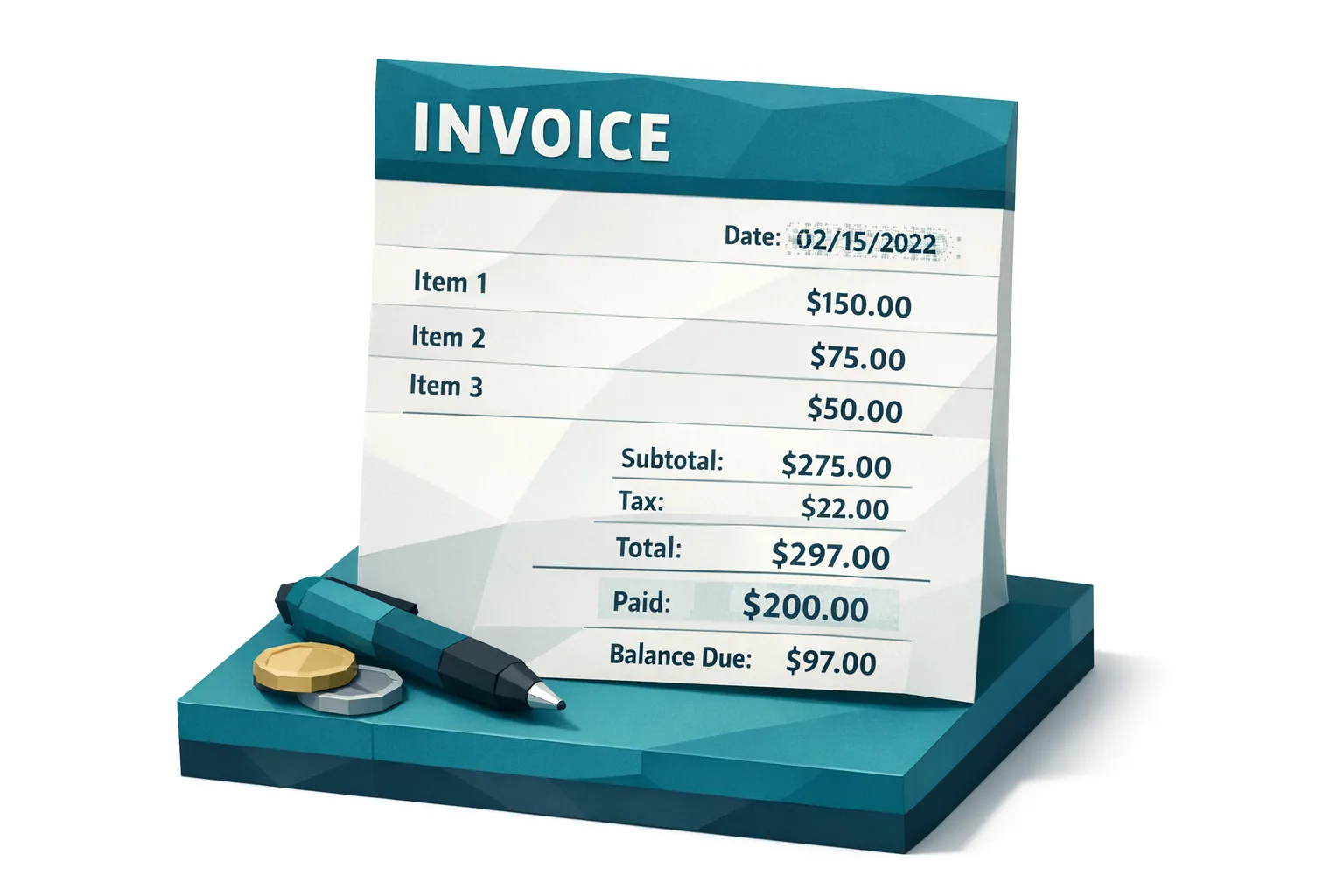
Billing fraud red flags in the math (that still look reasonable)
Fraudsters frequently adjust only one or two fields, assuming reviewers will not recompute the full document. The math can “look right” while still being inconsistent.
Totals that do not reconcile at line-item level
Common patterns:
- Subtotal does not equal sum of line items (especially after discounts)
- Tax is calculated on the wrong base (tax applied before discount, or applied to non-taxable lines)
- Shipping, service fees, or “environmental” fees are included in the total but not reflected anywhere else
A quick recomputation is useful, but at scale you usually need automated mathematical consistency checks.
Rounding behavior changes mid-document
Legitimate billing systems tend to be consistent about rounding.
Red flags:
- Some line items round to 2 decimals, others to 3
- Tax rounds per line sometimes and at invoice-level other times
- Unit price multiplied by quantity produces a value that is close, but repeatedly off by a small amount across multiple lines
Repeated “close but not exact” discrepancies can indicate manual edits.
“Too tidy” pricing on a messy-looking receipt
In real-world receipts, especially from physical locations, pricing often includes odd cents, local tax quirks, or register formatting.
Be cautious when:
- Every line item ends in .00 on a point-of-sale style receipt
- Tax is perfectly round on a small purchase
- Discounts appear without a code, promotion, or reason line
This does not prove fraud, but it should increase your review priority when combined with other signals.
Vendor identity and billing metadata red flags
Billing fraud often targets the parts of a document reviewers treat as “boilerplate.”
Remit-to details changed while vendor branding stays the same
A classic tactic is to keep the vendor name and logo consistent but change:
- Remit-to address
- Bank account details
- Payment link destination
- Email address or phone number in the footer
If a vendor’s payment instructions differ from historical documents, treat it as a payment diversion risk, even if the invoice looks authentic.
Invoice number patterns that do not match the vendor’s normal sequence
Many vendors use consistent formatting (prefixes, length, check digits, date encoding). Red flags include:
- An invoice number that is significantly shorter or longer than usual
- A sequence jump that makes no operational sense
- A number format that looks like it was designed to “pass” a validation rule rather than match history
This is especially important in AP environments with many entities or locations.
Legitimate vendor pages can help anchor expectations
When you are validating vendor identity for higher-risk purchases, it helps to compare invoice claims against credible vendor-facing information such as product listings, delivery policies, and warranty or guarantee language. For example, if your organization purchases storage or jobsite equipment, a vendor site like shipping container pricing and grades provides concrete, checkable details (inspection grades, delivery terms, and structural guarantees) that can be compared against what an invoice asserts.
The goal is not to “OSINT everything,” it is to quickly confirm whether the invoice story matches an externally consistent vendor reality.
Receipt-specific red flags that reviewers miss
Receipts are often treated as low-risk supporting evidence. That assumption is increasingly costly.
Signs of physical manipulation in a photo
Look for:
- Uneven lighting only around the totals area
- Paper edges that look real, but the printed text area looks flat
- Warping that bends the paper, but not the printed totals
Fraudsters sometimes print an altered receipt and photograph it to make it look “natural.”
Screenshot receipts and “digital receipt” ambiguity
Many legitimate receipts are digital. The risk is that screenshots are easy to edit.
Escalate when:
- A screenshot receipt has no order ID, merchant address, or tax registration details
- The layout looks like a web page fragment rather than a full receipt
- The receipt lacks consistent spacing, but key numbers are perfectly aligned
Duplicate and near-duplicate reuse
Duplicates are not always identical.
Common evasion tactics:
- Cropping or rotating the same receipt
- Changing the timestamp area only
- Slightly altering the vendor name while preserving the entire line-item block
If your process only catches exact duplicates, near-duplicates can slip through repeatedly.
Context red flags: when the document conflicts with payment reality
Document integrity signals get stronger when you tie them to payment context. Examples:
- The invoice requests a new bank account for a vendor that historically uses a different one
- The receipt shows a location inconsistent with travel, claim location, or employee work region
- The billing date conflicts with coverage dates, warranty dates, or service windows
- Multiple invoices across different vendors share unusually similar formatting and spacing
This is where many traditional “is this image real” checks fall short. A document can be a real image and still be used fraudulently, or be subtly manipulated in a way that only becomes clear when linked to payment and historical context.
A practical triage workflow for billing fraud red flags
If you need a workflow that does not slow down clean throughput, focus on escalating only the documents with stacked signals.
Step 1: Preserve originals and intake artifacts
- Keep the original upload (photo/PDF), not just OCR text
- Store email headers or submission channel metadata when possible
- Avoid “re-saving” files in a way that destroys metadata before review
Step 2: Screen for document integrity signals
At scale, the most reliable approach is automated screening that checks:
- Tampering and Photoshop-style edits
- AI-generated document likelihood
- Metadata forensics signals
- Mathematical irregularities
- Physical manipulation cues in photos
Step 3: Enrich with payment context
Escalation should consider:
- Historical vendor payment instructions
- Duplicate and near-duplicate matches across your corpus
- Claim, PO, employee, or project context
Step 4: Route with evidence, not vague suspicion
Reviewers need concrete reasons to act. “Looks fake” does not scale. Evidence-based flags like “total region edited,” “metadata indicates edit software,” or “near-duplicate detected with altered amount” make downstream handling faster and more defensible.
Where Docklands AI fits
Docklands AI is designed for organizations that need to detect manipulated, photoshopped, and AI-generated invoices and receipts before payment or reimbursement.
In practice, that means a screening layer that can analyze the document itself (pixel-level signals, metadata forensics, and math checks) and connect those results to payment context, so teams can build a clearer fraud picture than with simple authenticity checks.
If you want to learn how similar controls are operationalized in claims and finance workflows, Docklands AI publishes implementation-focused guides in its resource center at docklands.ai.

Frequently Asked Questions
What is billing fraud in invoices and receipts? Billing fraud is the use of invoices, receipts, or billing documents to obtain improper payment, reimbursement, or claim payout. It often involves altered totals, fake vendors, duplicate submissions, or changed payment instructions.
What are the most common red flags of billing fraud? Common red flags include subtle layout edits around totals, inconsistent math (subtotal, tax, discounts), remit-to or bank detail changes, near-duplicate reuse, and metadata or image artifacts consistent with tampering.
Why do OCR and field validation miss billing fraud? OCR and field validation typically confirm extracted values match basic rules, but they do not verify document integrity. A manipulated document can still produce “valid” extracted fields.
How can you detect AI-generated invoices or receipts? AI-generated documents often show inconsistencies in typography, spacing, and micro-details, and may lack coherent metadata provenance. Detection works best when visual analysis, metadata forensics, and duplication intelligence are combined.
What should AP or claims teams do when an invoice looks suspicious? Preserve the original file, avoid re-saving in a way that destroys metadata, isolate the payment, and route the document for evidence-based review. Focus on confirming vendor identity and payment instructions, not just the line items.
Reduce billing fraud without slowing down approvals
If your team is seeing more edited receipts, vendor impersonation invoices, or AI-generated billing documents, the fastest win is adding a document-integrity screening step before reimbursement or payment runs.
Docklands AI helps AP, insurance claims, and expense teams detect manipulated, photoshopped, and AI-generated invoices and receipts with forensic evidence and payment-context analysis. Learn more or request access at Docklands AI.
Request a Demo Today!
Book your demo below.


