


What a Fake Invoice Gets Wrong Every Time
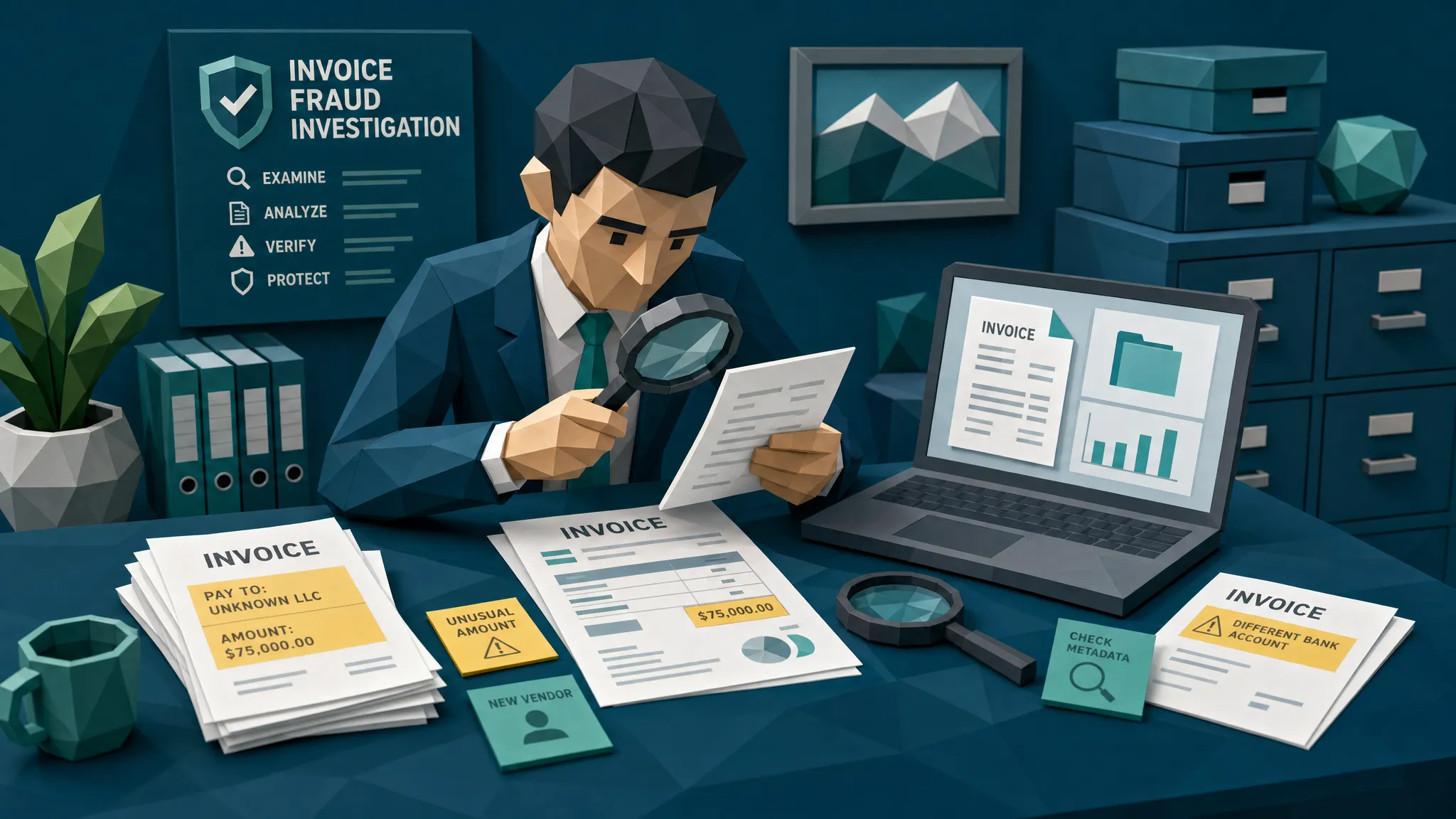

After ten years of reviewing suspicious invoices, I’ll give you my slightly impolite hot take: a fake invoice usually does not fail because the logo looks weird.
The logo is often fine. The address may be plausible. The tax line can look neat enough to make an AP clerk’s eyes glaze over, which is half the criminal business model.
A fake invoice fails because it cannot carry the weight of the real world around it. Real invoices have history, friction, payment habits, vendor quirks, metadata, math, and operational context. Fake ones tend to be stage props. They look good under soft lighting, then fall apart the moment you ask a boring question like, “Has this vendor ever used that bank account before?”
That matters because invoice fraud is not a niche annoyance anymore. The FBI’s IC3 report recorded billions in business email compromise losses, much of it tied to payment redirection and vendor impersonation. In insurance, the FBI estimates fraud costs the U.S. more than $308 billion per year. Whether you sit in claims, accounts payable, employee expenses, or audit, the invoice is often where the story tries to become money.
Here is what a fake invoice gets wrong every time.
It forgets that invoices have a life before they reach you
A genuine invoice is rarely a lonely PDF that appears from the mist asking politely for $48,920.
It has a relationship behind it. There was a quote, a purchase order, a work order, a claim event, a shipment, a service call, an email thread, a recurring contact, or at least some prior commercial footprint. A fake invoice may copy the visible pieces, but it usually struggles to recreate the boring continuity.
I once reviewed a suspicious invoice tied to a property claim. On the surface, it was a perfectly normal contractor invoice: tidy layout, local address, reasonable line items. The problem was the payment details. The contractor had been paid by check for years, then suddenly this invoice requested wire payment to a new account, with a slightly urgent note about “avoiding processing delays.” That phrase should come with a tiny fraud siren.
The invoice itself was not cartoonishly fake. The payment story was.
That is the first lesson. Do not ask only, “Does this invoice look real?” Ask, “Does this invoice behave like it belongs here?”
The payment details tell on it
Fraudsters love invoice payment fields because those fields are where a document turns into cash. The remittance section, bank account, beneficiary name, routing number, QR code, and payment email often carry more risk than the subtotal.
A fake invoice commonly gets one of these wrong. Maybe the bank account is new for an existing vendor. Maybe the beneficiary name is close, but not quite the legal entity. Maybe the email came from a lookalike domain. Maybe the invoice asks for ACH even though the vendor has always accepted card payments or checks. Maybe the claim invoice names one repair shop, while the payment destination points somewhere that has no sensible connection to the work.
This is where I see teams make the same mistake: they separate document review from payment review. AP checks the PDF. Treasury checks the bank file. Claims checks the loss details. Expense checks the policy category. Fraud lives in the gaps between those desks, wearing a little hat and whistling.
A fake invoice may pass field validation and still be dangerous if the payment path is wrong. That is why payment context is not an optional extra. It is often the thing that makes the fraud visible.
The metadata does not match the story
Metadata is not magic. It is also not admissible truth handed down from a mountain. But it is useful, especially when it contradicts the invoice narrative.
A contractor invoice dated March 3 should not have been created on March 18 after the claim handler requested additional proof. A scanned paper bill should not show signs of being exported from an image editing tool five minutes before submission. A receipt supposedly photographed at a job site should not have no camera trail, no original file characteristics, and a suspiciously clean export history.
There are innocent reasons metadata can be messy. Email systems strip data. Mobile apps compress files. Employees convert images to PDFs because, apparently, humanity enjoys making evidence harder to read. So I do not treat metadata as a guilty verdict.
But when metadata conflicts with the payment request, the vendor history, and the visual evidence, the invoice starts to sweat.
The math is too clean, too sloppy, or just slightly alien
Real invoices have mathematical habits. Some vendors round labor hours in quarter-hour increments. Some apply tax to materials but not services. Some include freight, environmental fees, card surcharges, or discounts in predictable ways. Some use ugly templates from 2009 and will continue doing so until the sun burns out.
A fake invoice often misunderstands those habits.
Sometimes the math is sloppy: subtotals do not match line items, tax is applied to the wrong base, discounts float in without explanation, or currency formatting changes halfway down the page. Other times the math is suspiciously perfect, like a receipt generator that produces a total but forgets that real businesses have local tax rules, SKU conventions, minimum callout fees, or invoice numbering sequences.
In expense fraud, I have seen receipts where the tip percentage was plausible, but the final total was off by a few cents. That sounds tiny until you realize the receipt was submitted by someone who claimed to have dined at a restaurant whose POS system would not make that arithmetic error. The fraudster edited the total, but not the math beneath it. Classic fake invoice behavior, just wearing a dinner jacket.
The vendor footprint is thinner than it should be
A real vendor usually leaves traces beyond the document. Not always, and we need to be fair to small businesses, sole traders, and newly onboarded suppliers. But there should be some relationship between the invoice and the outside world.
For example, if an invoice claims to come from a wholesale liquidation distributor, I would expect supporting signals: product categories, contact details, policies, a quote or purchase process, and some consistency between the invoice and the business’s public presence. A legitimate supplier site such as American Bulk Pallets shows the kind of commercial context reviewers can compare against when validating a vendor relationship.
The point is not that every vendor needs a glossy website. The point is that fake invoices often ask reviewers to trust the PDF as if the PDF is the whole universe. It is not. The invoice should connect to a vendor, a service, a transaction, a payment path, and a business need.
When that ecosystem is missing, I slow down.
The image physics are off
Here is where the old-school forensic stuff still earns its lunch.
Fake invoices often get the physical or visual layer wrong. The edited total may be sharper than the surrounding text. A pasted bank account may have different compression artifacts. A logo may sit at a slightly different resolution than the rest of the page. Shadows on a photographed receipt may not match the fold lines. A supposedly scanned invoice may contain text that behaves like it was digitally inserted after the scan.
None of this requires a movie-style hacker in a dark room. It requires looking at the invoice as an object, not just as a container for extracted fields.
This is also where manual review hits a wall. Humans are good at noticing glaring oddities. We are not good at detecting subtle pixel-level tampering across thousands of invoices at 4:47 p.m. on a Thursday when everyone wants the payment run closed.
That does not mean humans are bad reviewers. It means we should stop asking them to be microscopes.

It cannot match its neighbors
One fake invoice is a document. Many fake invoices are a pattern.
This is why duplicate and near-duplicate detection is so valuable. Fraudsters reuse what works. They alter a date, inflate a total, change a name, crop a receipt, resubmit a prior invoice through a different channel, or recycle a vendor template across multiple claims or employees.
Traditional duplicate checks often look for exact matches. That is better than nothing, in the same way a screen door is better than no door during a mosquito festival. But fraud rarely repeats itself exactly. It repeats with small edits.
A near-duplicate invoice might have the same layout, same line-item structure, same background noise, or same receipt photo, but a different claim number or total. That matters for insurers dealing with contractor networks, AP teams handling high-volume suppliers, and expense teams reviewing employees who submit similar receipts across months.
A fake invoice often gets away with one submission because nobody has compared it properly to the wider document history.
It relies on your process being polite
This is the part people do not like hearing. Many fake invoices work because the process is designed to be helpful.
AP wants to pay vendors on time. Claims teams want to settle fairly. Expense managers do not want to interrogate every salesperson over a taxi receipt. Approvers assume someone upstream has checked the details. Reviewers are trained to avoid friction unless there is an obvious issue.
Fraudsters know this. They create documents that are not outrageous. They create documents that are plausible enough to pass through a polite workflow.
A fake invoice rarely screams. It mumbles confidently.
What I would check before paying a suspicious invoice
If you only take one idea from this article, take this: review the invoice and the payment context together. A document that looks fine can still be unsafe. A document that looks odd can still be legitimate. The strongest signal usually comes from combining evidence.
When I am reviewing a questionable invoice, I want answers to a few practical questions:
- Did the payment destination change from prior history?
- Does the vendor identity match the bank beneficiary, email domain, invoice header, and business context?
- Do metadata timestamps and file history fit the claimed timeline?
- Do line items, tax, discounts, and totals reconcile correctly?
- Does the document show signs of editing, splicing, compression mismatch, or physical tampering?
- Has a similar invoice or receipt appeared before, even with small edits?
- Does the invoice make sense against the claim, purchase, work order, expense policy, or shipment record?
That list is not glamorous. Fraud prevention rarely is. The glamorous version is catching a criminal mastermind. The real version is noticing that the font in the ACH section changed and the bank account is brand new.
I will take the boring win every time.
Where Docklands AI fits
At Docklands AI, we focus on the document-level evidence that conventional invoice workflows often miss. The platform is built to detect manipulated, photoshopped, physically altered, and AI-generated invoices and receipts before they become paid losses.
The important part, in my view, is that Docklands does not treat the invoice as a pretty picture in isolation. It uses payment information from a claim, expense, or payment workflow to build a deeper fraud picture. That matters because the highest-risk clues often sit between the document and the money movement.
Docklands AI can support teams with document tampering detection, metadata forensics, mathematical irregularity checks, physical manipulation detection, reporting and analytics, API and webhook integration, executive dashboards, 2FA security, and support for multiple users and projects. For insurance claims, accounts payable, and employee expenses, the goal is simple: screen suspicious documents before payment, route evidence-backed alerts to the right reviewers, and let clean work keep moving.
No tool should replace professional judgment. But a good fraud detection layer should make that judgment faster, better evidenced, and less dependent on one exhausted reviewer spotting a two-pixel edit.
Frequently Asked Questions
What is a fake invoice? A fake invoice is a fraudulent or manipulated bill submitted for payment, reimbursement, or claim settlement. It may be fully fabricated, digitally edited, physically altered, duplicated, or based on a real invoice with changed details such as totals, dates, vendor names, or bank information.
What is the most common mistake in a fake invoice? The most common mistake is inconsistency. The invoice may look visually convincing, but the payment details, metadata, math, vendor history, or surrounding transaction context usually do not line up.
Can OCR detect a fake invoice? OCR can extract text from an invoice, but extraction is not the same as authenticity checking. OCR may capture the invoice number, total, and vendor name while missing signs of tampering, metadata conflicts, near-duplicates, or payment redirection.
How should AP or claims teams handle a suspicious invoice? Preserve the original file, avoid overwriting metadata, compare the payment details against trusted records, check the document for visual and mathematical inconsistencies, and route the case with clear evidence. If payment details changed, verify through a known contact channel, not the contact information on the suspicious invoice.
Are AI-generated invoices harder to detect? They can look cleaner than old-fashioned edits, but they still tend to leave gaps in context. Payment history, vendor behavior, metadata, math, duplicates, and claim or purchase context remain critical detection layers.
Before the invoice becomes a loss
A fake invoice gets the real-world story wrong. Your job is to catch that before the payment leaves, not after everyone is arguing over recovery.
If your team handles insurance claim invoices, supplier payments, or employee expenses, Docklands AI can help you screen documents for tampering, manipulation, metadata issues, mathematical irregularities, and suspicious payment context before approval or payout.
Request a Docklands AI demo and see what your invoices are saying when nobody is only reading the logo.
Request a Demo Today!
Book your demo below.


