How to Spot Fake Receipts Before They Cost Your Business
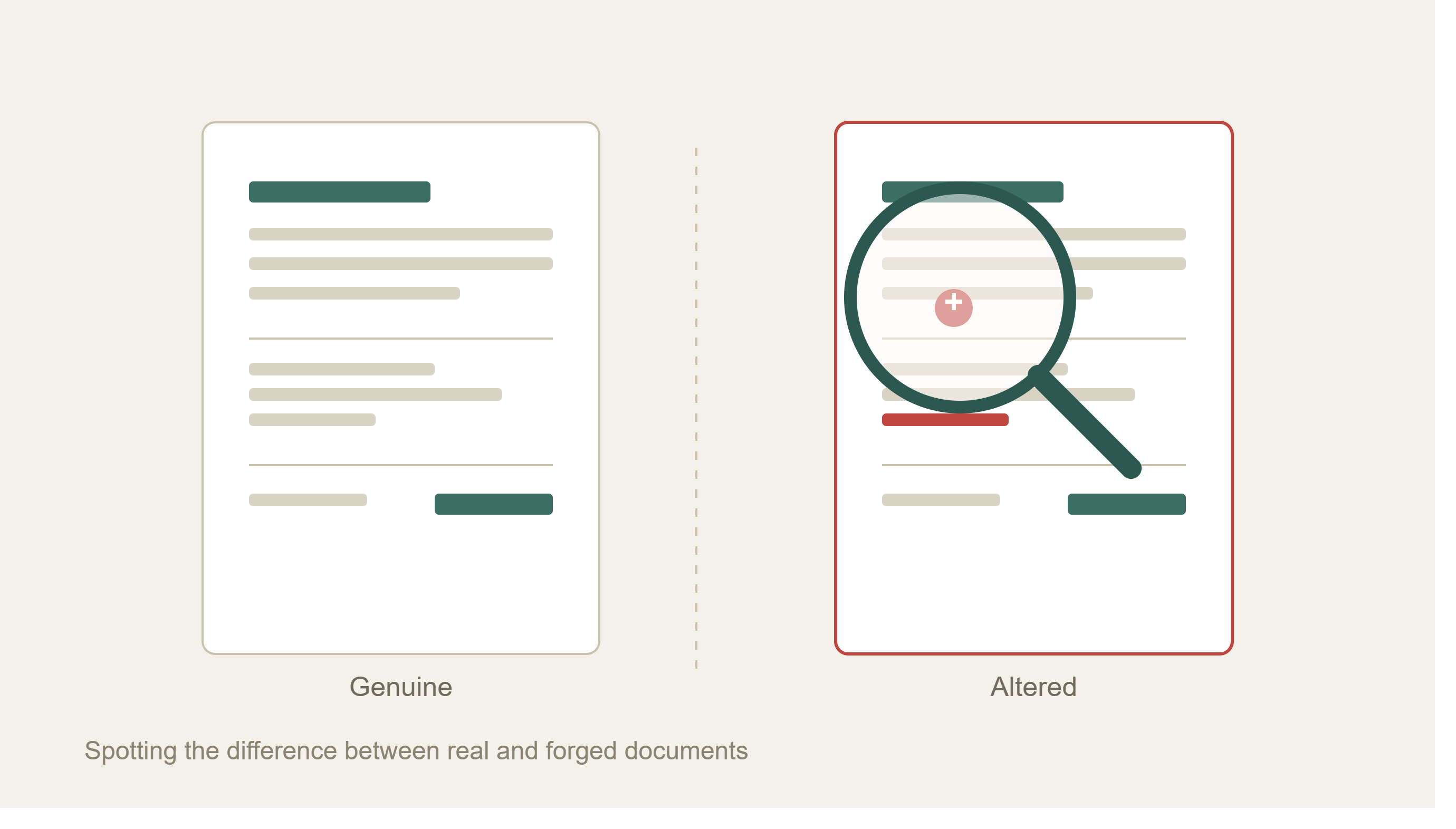

A receipt looks like the simplest document a business handles. A logo, a date, a list of items, a total, a payment method. Yet that simplicity is exactly what makes fake receipts so effective. Anyone with a receipt template, basic design software, and ten minutes can produce something that clears a tired reviewer's glance. Multiply that across an expense system, an accounts payable inbox, or an insurance claims queue, and a small habit turns into a real drain on revenue.
This guide breaks down what a fake receipt actually looks like up close, the details fraudsters tend to get wrong, and the checks that catch them before they cost a business real money.
What Counts as a Fake Receipt
A fake receipt generally falls into one of three buckets:
- Forged - Built from scratch using a receipt maker, a design tool, or a downloaded receipt template, then filled in with invented details.
- Altered - A genuine receipt where the total, date, item list, or payment details have been edited after the original transaction.
- Duplicated - The same authentic receipt gets filed more than once, whether that means two entries on one expense report or separate submissions spread across different systems.
All three share one goal: to pass as proof of a purchase that either did not happen, did not cost what the document claims, or has already been reimbursed once.
Why Fake Receipts Are Easier to Create Than Ever
A decade ago, faking a receipt meant a decent printer and a steady hand. Today, receipt generator tools and free receipt templates are a search away. These tools let anyone plug in a store name, add a logo, pick a font that matches a well-known retailer, set the tax rate, list line items, and export the file in the format needed, whether that is a PDF, an image, or a print-ready file.
Legitimate versions of this software exist for honest purposes, such as small business owners who need a clean receipt template for their own store, freelancers who want a simple invoice and receipt system, or restaurants that need a consistent design across every printed check. The same features that make these tools useful for legitimate business also make it simple to produce a convincing fake: matching logos, correct tax formatting, and a layout that mirrors a real chain down to the fonts.
That gap between "looks right" and "is right" is where fake receipts do their damage.
The Business Cost of Missing a Fake Receipt
The cost rarely shows up as one dramatic loss. Instead, it builds up gradually, a slow leak that chips away at profit over time.
- Employee expenses: Inflated totals, duplicate submissions, and receipts for purchases that never happened add up across a workforce, especially when managers approve claims quickly between meetings.
- Accounts payable: A fraudulent invoice paired with a fabricated receipt can support a payment that should never have gone out, particularly when a vendor relationship is new or a payment method has recently changed.
- Insurance claims: A fake or altered receipt can inflate the value of a loss, support a claim for an item that was never purchased, or pad an otherwise legitimate repair estimate.
- Tax exposure: Businesses that use fabricated receipts to justify deductions carry real audit risk, since tax authorities compare claimed expenses against vendor records and payment history.
None of this requires a criminal mastermind. It just requires a business that treats receipt review as a formality rather than a control.
Red Flags on the Receipt Itself
Before checking math or metadata, a close look at the document often reveals the first clues.
Logo and design inconsistencies: Real receipts from established chains use a consistent logo, font, and layout every time. A blurry logo, a slightly wrong shade of a brand color, or a font that does not quite match the store's usual design is worth a second look.
Generic or vague business names: Watch for labels like "Store," "Retail Shop," or a location number with no matching business ID, address, or phone number. An authentic receipt will almost always list the complete name of the business along with a way to reach it.
Perfectly rounded totals: Real transactions rarely land on an even number. A total of exactly $50.00 or $100.00 across multiple line items is unusual enough to warrant a check, especially if the tax calculation should have produced cents.
Payment method mismatches: A receipt marked "Cash" with a total ending in .99 is a small tell, since that pricing pattern is common in digital and card-based systems, not cash transactions. The same applies to a credit card receipt with no last-four digits, authorization code, or terminal ID.
Fonts that shift mid-document: A receipt built by pasting together an altered total with an original template sometimes leaves a font or spacing mismatch around the edited line.
Duplicate or oddly priced line items: Two identical items with two different unit prices, or items with pricing that does not match the store's known catalog, both point toward a fabricated or edited document.
Checking the Math: Totals, Tax, and Line Items
A total is not a standalone number. It should always trace back to the line items, tax rate, and any discount applied. Someone editing an invoice usually zeroes in on the one figure they need to change, then overlooks the smaller values connected to it.
A few checks catch this quickly:
- Rebuild the subtotal from the individual line items rather than trusting the printed subtotal.
- Confirm the tax was calculated on the correct base, especially when a discount was applied.
- Check that the tax rate matches the jurisdiction where the purchase supposedly took place.
- Compare the payment amount against the total due, since these should match exactly.
A one-cent rounding difference is usually noise. A subtotal that does not match the sum of the line items, or a tax amount that reflects an old, lower total, is a much stronger signal that something was changed after the fact.
For a deeper look at how this plays out on the invoice side, the Docklands blog post on doctored invoices walks through how altered totals leave arithmetic behind as evidence.
Digital Receipts Leave Behind Metadata Clues
Printed receipts hide their edit history well. Digital ones, especially PDFs and images, often do not.
Every digital file carries metadata: creation date, last modified date, the software used to produce or edit it, and sometimes device or location information. A receipt supposedly issued by a restaurant's point-of-sale system should not show metadata pointing to a design tool or photo editor. A receipt dated for a purchase last month should not carry a "last modified" timestamp from yesterday.
Screenshots and heavily compressed images strip out much of this useful information, which is one reason fraudulent receipts are often submitted as flattened images rather than original files. The Docklands post on preserving original documents covers why asking for the original file, not a screenshot, matters during review.
Physical manipulation leaves its own traces too. Correction fluid, handwritten edits over printed text, or a cut-and-paste job can show up as texture differences or inconsistent fonts under closer inspection, a pattern covered in detail in the post on Photoshop receipt edits.
Cross-Checking Against the Real World
The strongest signal a receipt is fake is often the simplest to check: does the business actually exist where the receipt says it does?
A few quick confirmations go a long way:
- Does the merchant name and address match a real, currently operating business?
- Does the transaction timestamp fall within that business's actual operating hours?
- Does the receipt's format match receipts genuinely issued by that business in the past?
- Does the purchase category make sense for that merchant, such as a hardware store billing for restaurant equipment?
Keeping a small library of genuine receipts from frequent vendors, common travel merchants, or regularly used suppliers gives reviewers something concrete to compare against, rather than relying on memory or a gut feeling every time a new document comes in.
Common Formats Fraudsters Use to Fake Receipts
It helps to understand the tools on the other side of this problem. Receipt generator websites and downloadable receipt templates are widely available and marketed for legitimate purposes, letting a business owner enter a business name, upload a logo, select fonts, add line items, set a tax rate, and export a finished receipt in a chosen file format for print or download.
The same workflow, used with someone else's business name and logo, produces a document built to imitate a real transaction. This is why a receipt that looks clean and professional is not automatically a receipt that is genuine. Polish is now cheap. Accuracy against the details of a real transaction is not.
Building a System Instead of Relying on the Eye Test
A single reviewer scanning receipts by eye will always miss some fakes, especially at volume. A better approach layers a few checks together:
- Set a documented review process: Define what every receipt needs: business name, address, itemized purchases, tax, total, and payment method.
- Compare against vendor history: Flag anything that breaks from how a known merchant, employee, or supplier normally submits receipts.
- Recalculate the math: Rebuild totals from line items and tax rather than trusting the printed number.
- Check metadata on digital files: Look for edit history, software signatures, and timestamps that do not line up with the claimed purchase.
- Require original files: Ask for the source PDF or photo, not a screenshot or a compressed copy.
- Escalate combined risk, not single flags: One odd font is a training issue. An odd font, a mismatched tax calculation, and a new payment method together deserve a closer look.
This kind of system does not need to slow down every legitimate submission. Most receipts pass cleanly. The goal is catching the small number that do not before they reach a payment run, a reimbursement, or a settled claim.
How Docklands Helps Businesses Catch Fake Receipts
Manual review works up to a point, then volume wins. Docklands AI was built for the point where it stops working, analyzing receipts and invoices at the pixel level to catch what a busy reviewer or a rules-based system misses.
That includes:
- Digital edit detection to catch texture anomalies, misaligned tables, and copy-paste artifacts left behind by design software.
- Metadata forensics to compare a document's edit history, software signature, and timestamps against the claimed transaction.
- AI-generated content detection to catch receipts produced by generative tools rather than a real point-of-sale system.
- Mathematical checks that automatically verify line items, subtotals, tax, and totals against each other.
- Physical tampering detection for correction fluid, handwritten edits, and cut-and-paste alterations.
These checks apply across the three places fake receipts cause the most damage: insurance claims, accounts payable, and employee expenses. For a broader look at how tampering rarely stops at one detail, the post on a tampered invoice rarely failing in just one place is a useful next read, along with more examples on the Docklands blog.
FAQ
What is the fastest way to spot a fake receipt?
Check whether the subtotal matches the sum of the line items and whether the tax was calculated on the correct base. Math mismatches are one of the quickest tells, since fraudsters often edit a total without updating the numbers that support it.
Can a receipt be real but still misleading?
Yes. A genuine receipt can be submitted twice, paired with the wrong expense category, or used to support a claim it was never meant for. Duplicate detection and cross-checking against prior submissions catch this pattern.
Do fake receipts always look sloppy?
No. Receipt templates and generator tools can produce a document with a correct logo, matching fonts, and a professional layout. Visual polish is not proof of authenticity, which is why math checks, metadata review, and merchant verification all matter.
What file format is hardest to fake convincingly?
No format is immune, but original digital files such as unedited PDFs or camera-original photos carry more metadata than screenshots or compressed images, making them easier to verify.
Should small businesses worry about this as much as large ones?
Yes. Smaller teams often have less formal review processes, which makes them an easier target for both employee expense padding and vendor invoice fraud.
The Takeaway
Fake receipts succeed by looking ordinary. The response is to make ordinary checks a little sharper: verify the math, check the metadata, confirm the merchant is real, and treat a clean design as a starting point rather than proof.
Businesses handling receipts and invoices at volume can see how Docklands AI applies these checks automatically by visiting Docklands AI or booking a demo.
Request a Demo Today!
Book your demo below.