Fake Invoice Fraud: How Scammers Do It and How to Stop It
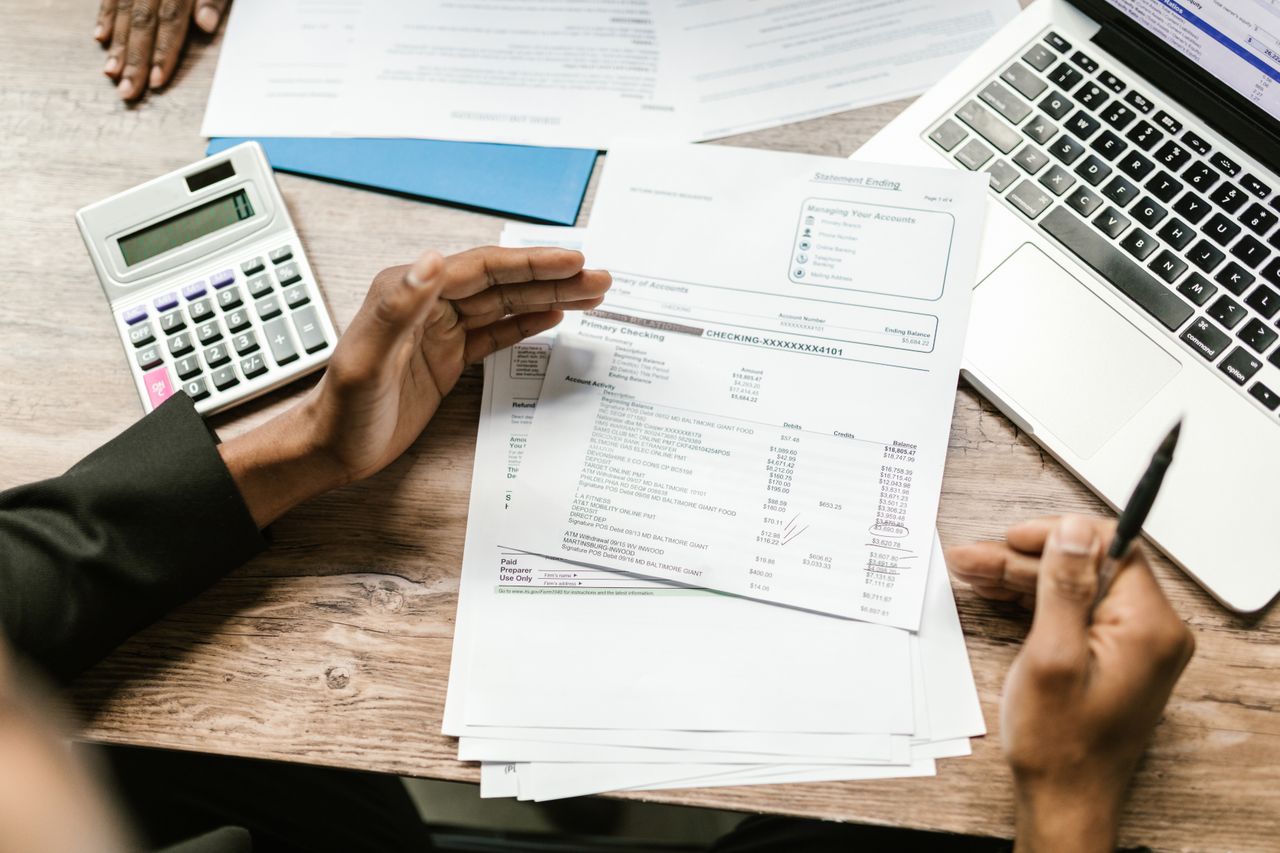

A finance team pays hundreds of invoices a month. Most are routine. One is not, and it looks exactly like the rest. That is the whole point of fake invoice fraud. It is not built to look suspicious. It is built to look normal enough to slide through a busy accounts payable queue without a second glance.
Fake invoice fraud costs organizations billions every year, and the scam has gotten harder to catch, not easier. Scammers now research their targets, copy real vendor branding, hijack genuine email threads, and time their requests around actual purchase orders. This guide breaks down how the scam actually works, the signs that give it away, and the steps that stop it before money leaves the business.
What fake invoice fraud actually is
Fake invoice fraud is any scheme where a fraudster tricks a business into paying for goods or services that were never delivered, or into sending a legitimate payment to the wrong account. It falls under the broader umbrella of business email compromise (BEC) and payment redirection fraud, and it usually plays out in one of three ways:
- A completely invented invoice for goods or services that were never ordered, sent to a company hoping nobody checks before approving payment.
- A real vendor's invoice, intercepted and altered so the bank account or payment details point to the scammer instead of the actual supplier.
- A convincing counterfeit invoice built to impersonate a company's regular vendor, right down to the logo, invoice number format, and contact details.
The common thread across all three is trust. The scam works because it borrows credibility from a real company, a real relationship, or a real transaction already in motion.
How scammers actually pull it off
Fake invoice fraud rarely starts with the invoice itself. It starts weeks earlier, with quiet research most victims never notice.
Step 1: Reconnaissance
Fraudsters study a target before sending anything. They pull vendor names, executive titles, and org charts from LinkedIn, company websites, press releases, and even job postings that mention internal software or approval processes. Some buy stolen data sets on criminal marketplaces that already include vendor lists and past transaction amounts. The goal is a fake invoice that fits naturally into what the accounting team already expects to see.
Step 2: Gaining access or building a lookalike
This is where the scheme usually takes one of two paths.
- Account compromise: A scammer gains access to a real vendor's email account, often through a phishing email or credential-stealing malware. Once inside, they monitor invoice threads for weeks, learning the vendor's tone, invoice format, and payment cadence. When the timing is right, they hijack an active thread and send a "corrected" invoice with new bank details.
- Domain spoofing: Instead of breaking in, the scammer registers a domain that looks nearly identical to the vendor's real one, swapping a letter, adding a hyphen, or using a different top-level domain. An email from "docklands-invoices.com" instead of "docklands.ai" is easy to miss at a glance, especially on a phone screen.
Step 3: Building the document
The invoice itself is usually copied from a real template, either stolen during account compromise or pulled from a previous legitimate transaction the target company already paid. Fraudsters reuse real logos, real formatting, and sometimes real invoice numbering conventions. The only meaningful change is the payment detail: a new bank account, a new remittance address, or a new "updated" wire instruction.
AI tools have made this step faster. Generative image and document tools can now produce a passable invoice layout in minutes, matching fonts and structure without the fraudster ever touching the original vendor's system. The documents still tend to carry inconsistencies once you look closely, and that gap between "looks fine" and "is authentic" is exactly where document-level checks matter. A deeper breakdown of these tells is here: fraudulent invoices often share these early clues.
Step 4: Creating urgency
Almost every fake invoice scam leans on pressure. Common tactics include:
- A note that the payment is overdue and services will be suspended if it is not settled immediately.
- A message from a "CFO" or senior executive asking for a rushed wire transfer, often while traveling and unreachable by phone.
- A claim that the vendor's bank recently changed, framed as a routine update rather than a red flag.
- A deadline tied to a real event, like month-end close or a known project milestone, so the request feels timely instead of suspicious.
Urgency works because it short-circuits verification. A rushed AP clerk skips the phone call they would normally make and just processes the payment.
Step 5: Getting paid, then disappearing
Once the payment clears, the funds typically move fast, often through a chain of accounts or a money mule network designed to make recovery difficult. By the time a company notices the real vendor never received payment, the money has usually already left the fraudster's initial account.
The most common fake invoice fraud tactics
Beyond the general playbook, a few specific schemes show up again and again:
- Vendor impersonation: A scammer poses as an existing, trusted supplier and simply asks for a bank detail update. Because the vendor relationship already exists, the request feels routine.
- CEO or executive impersonation: A fraudster spoofs or compromises an executive's email and instructs someone in finance to process a payment directly, often bypassing normal approval steps by invoking urgency and authority.
- Fake company setup: Some fraud rings build an entire fictitious company, complete with a website, invoices, and a customer service phone line, purely to invoice real businesses for services that were never rendered.
- Double-billing and near-duplicate invoices: A slightly altered version of a real invoice, with a changed invoice number or a small variance in the total, gets submitted again months later, banking on the assumption that nobody will cross-check it against prior payments.
- Compromised document-sharing links: Fraudsters increasingly send invoices through legitimate platforms like e-signature or file-sharing tools, since a link from a trusted service is far less likely to be blocked or flagged than a raw email attachment.
Why these scams slip past busy finance teams
Most companies already have some fraud controls. The scam still works because of a handful of predictable gaps:
- Volume outpaces scrutiny: AP teams processing thousands of invoices a month cannot manually verify every sender, every bank detail, and every document. Spot checks catch a small fraction of what comes through.
- Trust in familiar formats: A logo and layout that match past invoices feel like proof of legitimacy, even though a logo is trivial to copy.
- Weak vendor change procedures: Many organizations still accept a bank detail change over email with no independent verification call.
- Segregation of duties gaps: When one person can both approve a vendor change and release payment, there is no second set of eyes to catch a mistake or a scam.
- Payment speed: Same-day and next-day payment rails leave a shrinking window to catch a problem before funds are gone for good.
For a closer look at exactly how these gaps show up inside a real AP workflow, see how fake invoices slip past busy finance teams and fake invoice fraud thrives when teams trust the PDF.
Red flags that should slow down a payment
Train employees to pause and verify when an invoice shows any of these signs:
- A request to change bank account or remittance details, especially by email.
- Pressure to pay immediately, avoid normal approval steps, or keep the request confidential.
- A sender address that looks close to, but not exactly, the vendor's real domain.
- An invoice for goods or services nobody on the team remembers ordering.
- Formatting that is almost right but slightly off: a different font, a stretched logo, inconsistent spacing, or numbers that do not add up cleanly.
- A round, even total, which is unusual for a genuine invoice built from itemized costs and taxes.
- A request routed around the usual purchase order or approval trail.
How to stop fake invoice fraud before you pay
Prevention comes down to process, verification, and visibility. None of it requires a total system overhaul.
1. Verify every payment detail change independently: Never confirm a new bank account using the phone number or email address listed on the invoice itself. Call a known contact using information already on file.
2. Separate duties across the payment chain: The person who approves a vendor change should not be the same person who releases payment. This single control closes off a huge share of internal and external fraud attempts.
3. Build a formal vendor master change process: Require a documented, multi-step verification before any bank detail update takes effect, and log who approved it and when.
4. Train employees to recognize urgency as a warning sign, not a reason to rush: A legitimate vendor will always accept a short delay for verification. A scammer will not.
5. Match invoices against purchase orders and delivery records, every time: Three-way matching catches invoices for goods or services that were never actually received.
6. Screen every invoice, not just a sample: Manual spot checks typically cover a small slice of total volume, leaving most invoices unverified. Document-level screening that checks every submission, not a sample, closes that gap. See how that model works in practice in AP fraud detection: why spot checks fail and how to screen 100 percent.
7. Report suspected fraud quickly: If a payment has already gone out, contact your bank immediately to attempt a recall, then report the incident to local law enforcement and, in the US, the FBI's Internet Crime Complaint Center (IC3).
8. Keep a running record of confirmed scam attempts: Patterns repeat across vendors and industries. A shared log helps procurement and finance teams recognize a familiar tactic faster the next time it appears. For real patterns pulled from actual cases, see real invoice fraud cases: common patterns and what they cost.
For a full checklist your AP team can put into practice this week, see the invoice fraud prevention checklist for accounts payable.
Where document-level screening fits in
Process controls close most of the gap, but a well-made fake invoice can still pass a human review and even basic data matching, since the fraud lives in the document itself rather than in the numbers. That is why more finance and claims teams are adding automated screening that checks the invoice document for edits, AI generation, metadata inconsistencies, and near-duplicate submissions before payment goes out, not after. For the specific signals that kind of screening looks for, see invoice fraud detection: 9 signals hidden in the document, not the data.
Docklands adds this layer of protection for accounts payable teams, screening every invoice against tampering, duplication, and synthetic generation before it reaches payment, working alongside the ERP and approval workflow already in place rather than replacing it. Learn more about how it fits into an AP process on the accounts payable fraud detection page, or book a demo to see it screen real invoices.
Frequently asked questions
What is fake invoice fraud?
Fake invoice fraud is a scam where a fraudster sends a fabricated or altered invoice to trick a business into paying for goods or services that do not exist, or into sending a real payment to the wrong bank account.
How do scammers get real vendor information?
Most commonly through email account compromise, phishing, publicly available company information, or data purchased from criminal marketplaces. Some fraudsters simply monitor public records and press releases for vendor relationships.
What is the most common fake invoice fraud tactic?
Vendor impersonation combined with a bank detail change is the most frequent pattern, since it exploits an existing, trusted relationship rather than inventing one from scratch.
Can fake invoice fraud happen even with approval workflows in place?
Yes. Approval workflows check whether a request looks legitimate to a human reviewer, not whether the underlying document has been altered or the payment details are authentic. That gap is why document-level screening matters alongside approvals.
What should a business do if it already paid a fraudulent invoice?
Contact the bank immediately to request a payment recall, notify the vendor whose identity was impersonated, and file a report with law enforcement or, in the US, the FBI's IC3.
Is fake invoice fraud covered by insurance?
Some crime and cyber policies cover social engineering and payment fraud losses, but coverage varies significantly. Check policy terms before relying on it as a backstop.
The takeaway
Fake invoice fraud succeeds by looking ordinary. It borrows a real vendor's name, a real logo, and a real sense of urgency, then slips into a payment queue that is too busy to double-check every detail. The fix is not a single tool. It is layered: independent verification of any payment change, separated duties, purchase order matching, employee awareness, and document-level screening that covers every invoice instead of a sample.
If your team wants to see how much of that risk is already sitting in current AP volume, book a demo and Docklands will walk through how the screening works on real invoices.
Request a Demo Today!
Book your demo below.